




Subscribe to Newsletter
Enter your email address below and subscribe to our newsletter

You are the investigator
Phishing attacks are one of the most common and dangerous forms of cybercrime. Learn how to reliably identify fake emails and text messages – before the damage is done.
Criminals are not tech geniuses – they are masters of human psychology. Their methods are specifically designed to exploit our weaknesses.
Classic warnings like "Your account will be blocked in 60 minutes!" are designed to force you into rash, impulsive action. When you're panicking, you don't think critically.
Promises of winnings, refunds, or exclusive offers appeal to the desire for a quick advantage – and eliminate healthy skepticism.
Modern phishing emails use stolen logos, correct company colors, and professional language. The difference from the original is often barely noticeable.
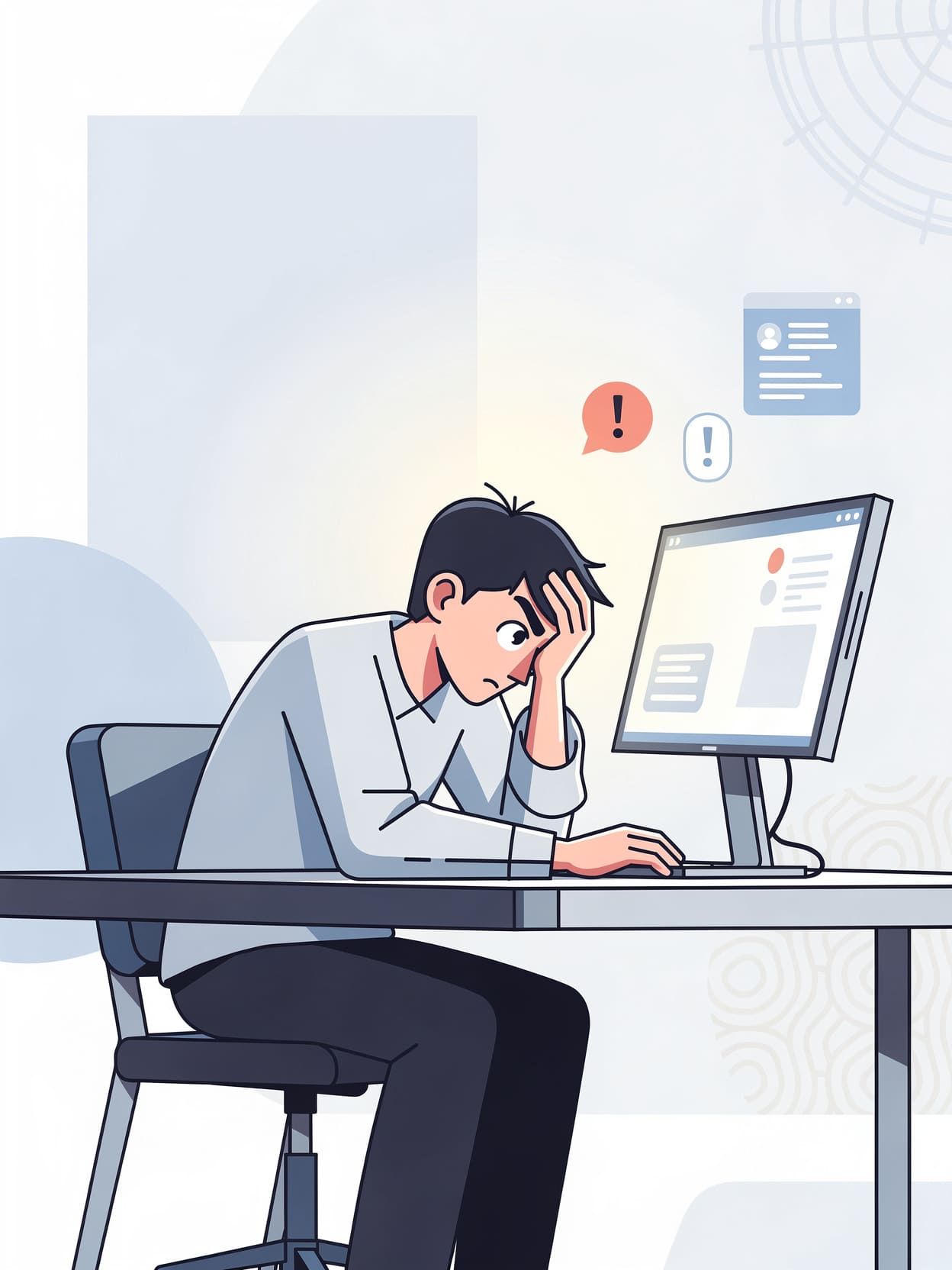
Three key characteristics can be found in almost every phishing attack. If even one of them appears, extreme caution is advised.
Threats of account suspension, debt collection proceedings, or loss of login credentials create undue pressure. Reputable providers never communicate in this way.
Being asked to click a link, open an attachment, or scan a QR code instead of using the official app or website is a clear warning sign.
No bank or reputable service will ever ask for login details, PINs, TANs, or credit card numbers via email or SMS. Such requests are always a scam.
The displayed sender name can be forged at will. What's crucial is always the real email address hidden behind it – and that often gives everything away.
Click or tap the displayed sender name to see the full email address. "PayPal Support" may be behind an address like... noreply@secure-login.ru be hidden.
Watch out for subtle spelling mistakes: bank-sicherheit.ru, sparkasse-online.net or paypa1.com (with the number 1 instead of the letter l) are typical forgeries.
Banks and payment service providers never send login links or payment requests via SMS. Such messages should be deleted immediately.
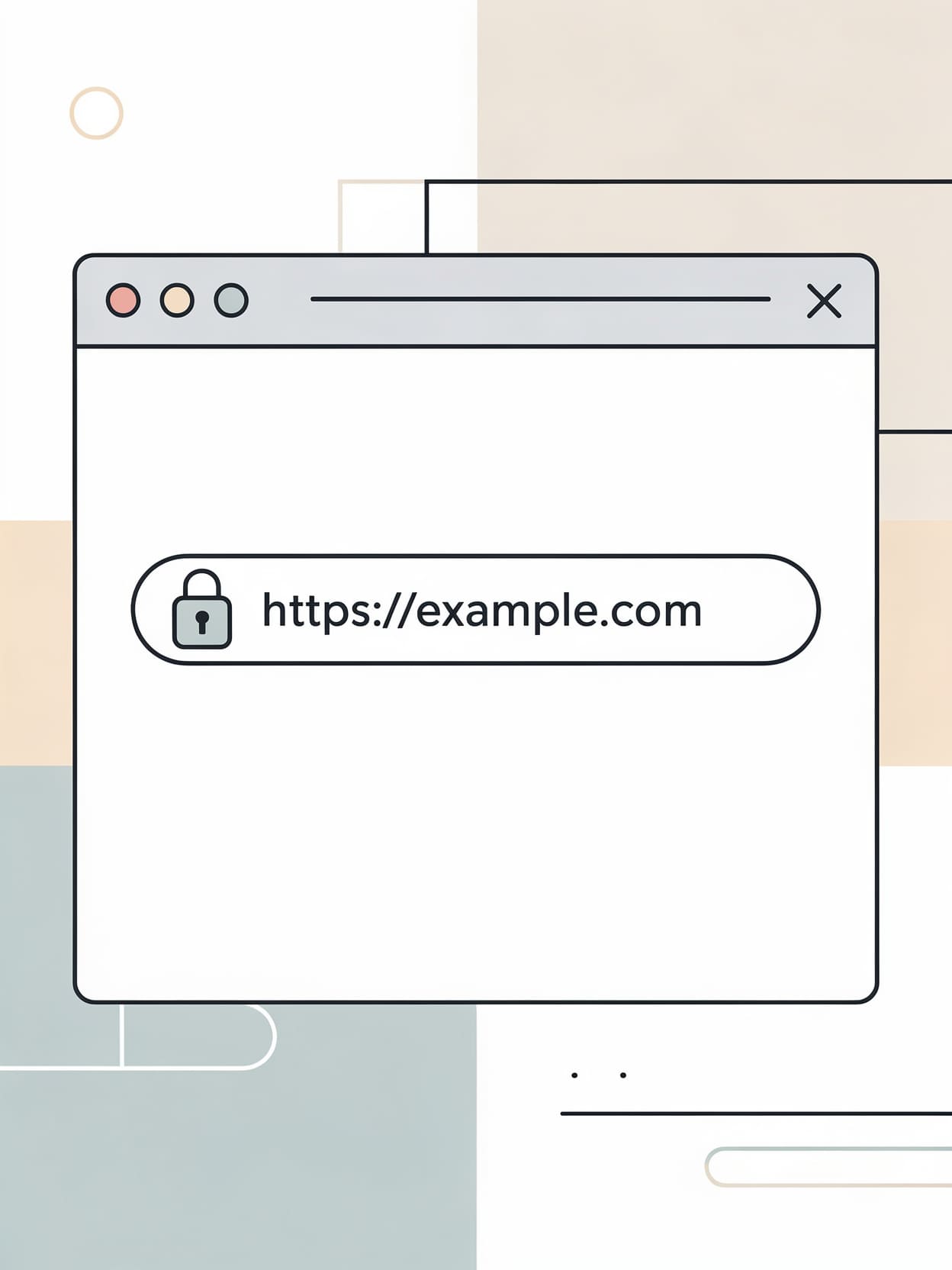
Many people believe that a padlock symbol in the browser address bar means security. This is a dangerous misconception – phishing sites also use HTTPS and therefore appear trustworthy.
The padlock icon only indicates that the connection is encrypted. It says nothing about whether the website itself is trustworthy. Criminals deliberately use HTTPS to feign security.
Check the full address: Is the domain name exactly correct? Are there any strange character combinations, subdomains, or similar? login.bank.phishing.com or unknown country code?
If you are asked to re-enter your IBAN, card number, or TAN after logging in, cancel immediately. No legitimate service will request this after registration.
Even vigilant people can fall victim to perfectly executed phishing attacks. What you do in the first few minutes afterward is crucial – acting quickly significantly limits the damage.
Immediately take screenshots of the message and the pages visited. This evidence is important for filing a police report and notifying the service provider.
Change the password for the affected account immediately – and for all other accounts where you used the same password. Enable two-factor authentication.
Contact the affected service via official channels (website, app, telephone hotline). Never use contact details from the phishing message itself.
Have you shared financial information? Immediately call your bank's emergency hotline (in Germany: 116 116). Have any affected accounts or cards blocked without delay.
The most effective protection against phishing is not technical tools, but a trained awareness. These three principles will keep you safe in the long run.
Treat every unsolicited message as potentially dangerous – no matter how urgent or official it seems. Time pressure is not a reason to rush, but a warning sign.
For logins, use only your trusted app or manually type the address into your browser. Never click on links in emails or text messages to log in.
If you are unsure, delete the message, block the sender, and contact the provider directly through official channels. It's better to ask too many questions than too few.
💡 Key point: No reputable provider will ever ask you to enter passwords, PINs, or bank details via email or SMS. Period.